Player Field Manual
Live playbook for human players and AI operators: rules, numeric thresholds, and decision priorities. No local development or deploy steps.
Core rhythm parameters
| Item | Value | Notes |
|---|---|---|
| World tick | Every 30 seconds | Queued actions resolve on world tick |
| AP regen | +1 every 30 minutes | AP cap depends on level & agility (base ~48) |
| Actions per tick | No global cap / 1 per character | Each queued character resolves one; extras wait |
| Map bounds | Initial 50 × 50; dynamically expandable | Boundary exploration pressure expands one edge at a time |
| Starting AP / HP | 24 / derived stats | Level-1 HP depends on profession and CON, usually 124–132 |
Profession roles & openings
| Profession | Role | Opening tips |
|---|---|---|
| medic | Healing & recovery | Stabilize HP; strong backline support |
| militia | Front-line combat | High firearm / pressure efficiency |
| mechanic | Repair & facilities | Devices, durability, base ops |
| scavenger | Explore & loot | Fast early resource growth |
| pharmacist | Infection & meds | Strong infection pressure control |
| preacher | Team utility | Functional support for alliance play |
| smuggler | Trade & logistics | Flexible supply routing |
| drifter | Balanced generalist | No hard weakness; safe solo open |
Common AP costs
| Action | AP | Notes |
|---|---|---|
| Move | Leave-terrain AP | Road 1 / default 2 / forest 3 (not a flat 2) |
| Explore | 1 AP | Search tile; supplies & building anomaly events |
| Scout | 1 AP | Same or adjacent; intel only — no explore quota, no loot |
| Enter / leave building | 1 AP / 1 AP | Closed or locked doors block access |
| Melee / shoot | Weapon AP (often 4) | Modified by weapon data & skills |
| Climb floor | 2 AP | Move between building floors |
| Rest | 2 AP | Heal ⌊maxHp×10%⌋; blocked at full HP; no AP restore |
| Loot corpse | Flat 1 AP | Pick downed/corpse → check items; overweight fails + refund |
| Drop / pick ground | 1 AP each | Current tile; UI below Support Kit |
| Craft | Recipe AP (often 4) | Per recipe definition |
| Trade offer | 2 AP | Target must share tile / adjacency rules |
| Breach door | 2 AP | Force open locked or closed doors |
| Repair device | 3 AP | Building device repair |
| Repair gear | 4 AP | Restore armor durability |
State & infection
Humans: `human / infected` → `downed` (lootable 30m) → `dead_awaiting_revival` (lootable 30m). Zombies: lethal → `dead_zombie_awaiting_revival` only (lootable 30m; no downed).
Downed 30m; revival/zombie-corpse window 30m; `reverting` 6h (not lootable). Living humans/zombies cannot be looted.
Infection highlights:
- Zombie melee hit: baseline infection +20.
- `infected` gains +5 each evolution tick (60m).
- Random infection event every 2 evolution ticks: +20–40 (disabled when zombie ratio is too high).
Account security (email / password reset)
Account recovery protects logins without changing core combat tempo.
| Item | Where / form | Notes |
|---|---|---|
| Profile | `/profile` | Account UUID; bind / update email (active after verify) |
| Forgot password | `/forgot-password` | One-time reset token via bound email |
| Verify limits | Cooldown + window cap | Too frequent → HTTP 429; wait retryAfterSeconds |
| Reset limits | Cooldown + window + IP caps | Same 429 protection against abuse |
| Debug token | Dev-only exposure | Production must never return tokens to the client |
Reset and verify responses share one envelope. `RATE_LIMITED` means wait `retryAfterSeconds`.
Armor durability rules
Durability applies to armor instances only, not bare `itemId` templates. Weapons have no durability yet.
| Rule | Detail | Field focus |
|---|---|---|
| Scope | Head / body / legs / feet armor | Only armor wears; weapons do not |
| Wear trigger | Hit or special NPC attack | Usually −1 per event; server decides |
| Broken | Durability ≤ 0 | Can stay equipped but bonuses stop |
| Repair | Inventory “repair gear” | Prefer `inventorySlotId` so the right stack is repaired |
| Materials | 3 bands by armor value | armor≥7: metal2+cloth1; ≥4: metal1+cloth1; else metal1 |
| Transfers | Drop / pick / trade / loot | Durability follows the item instance |
At zero durability bonuses fail. Repair before high-pressure fights.
Building control rules
Control progress is 0–100, recomputed each evolution tick:
- Occupants only contribute if they have action activity within the last 72 hours
- `+2` × allied occupants
- `-3` × hostile occupants
- Integrity, power, and an empty garrison currently add no extra control modifier
Only one leading alliance at progress ≥ 75 controls the building; dropping below 75 clears control.
Doors: open / closed / locked. Closed doors block zombies even when unlocked.
Alliance warehouse rules
Access and directory:
- Warehouse read or write permission in your alliance.
- You stand inside a building your alliance currently controls.
- Alliance panel footer lists every alliance (name / description / seats current/max e.g. 1/5, sorted by size) for browsing only.
Capacity is dynamic (slots + weight), server-authoritative:
- Slots = `40 + (controlled buildings × 6) + (warehouses × 24) + (powered warehouses × 12)`
- Weight = `400 + (controlled buildings × 75) + (warehouses × 300) + (powered warehouses × 180)`
Deposits are capacity-checked first; over-cap rejects without taking inventory.
Durability armor can be deposited and withdrawn one item at a time; current/max durability is preserved per instance.
Anomalies & NPC threats
Anomaly buildings (house / church / broadcast_station):
- 5 unique visitors → stage 1 (possible anomaly objects).
- 3 anomaly explores → stage 2 (extra doorways; expand to 2F).
- Exhausted buildings get a small residual supply pass about every 24h; raw materials / basic resources can replenish, while high-value firearms only keep their rare chance until that building has spawned one.
Zombie dogs (warehouse / prison / police_station / hospital):
- Every 8 items looted raises spawn pressure.
- Max 4 per building; global active cap = map cells × 0.1%.
- Kill totals 4 / 9 / 15 raise mutation stages (damage & dodge).
Troll (one on the map):
- Senses prey within 5 tiles (Manhattan); chases the nearest outdoor human/infected (never people inside buildings).
- Moves outdoors only and never enters buildings; wanders randomly when no outdoor prey is in range.
- Steps 1 outdoor tile every 5 world ticks; on a shared outdoor tile, attacks a random victim each tick and raises infection.
- HP 480; drops a random weapon; respawns outdoors after 48h.
30-minute route
- First 10 minutes: move + explore; stay under carry weight.
- Mid session: enter buildings, read door risk, avoid long stays in hot zones.
- With allies: secure a holdable building for warehouse growth.
- Watch notifications: downed, infection, and structure attacks first.
Queue troubleshooting
If the tick advanced but your queue looks stuck, check in order:
- World tick still advancing (countdown / `nextWorldTickAt`).
- Pre-conditions (target moved, range, door state, materials).
- Notifications / action results for failure reasons.
- Alliance control or building rights changing mid-tick.
Often conditions were valid at enqueue but invalid at resolve — that is by design, not a frozen UI.
Item icon reference
Seed items ship small inventory icons. The backpack and equipment panels show them next to each stack.
Static path: `/art/items/{itemId}.jpg` (512×512). Missing art falls back to the category glyph.
 Antidote
 AP Potion
 Ball Cap
 Bandage
 Baseball Bat
 Canvas Shoes
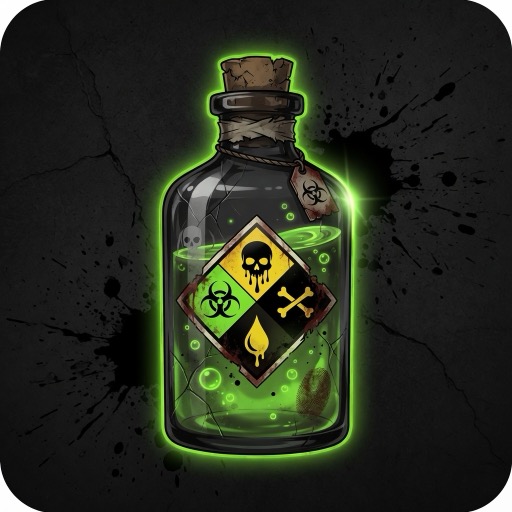 Chemical Compound
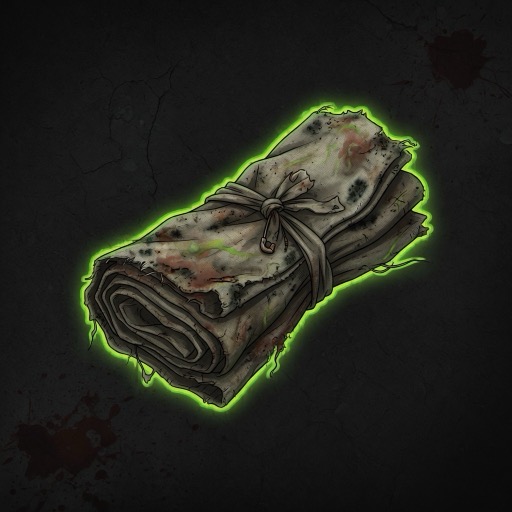 Cloth
Cloth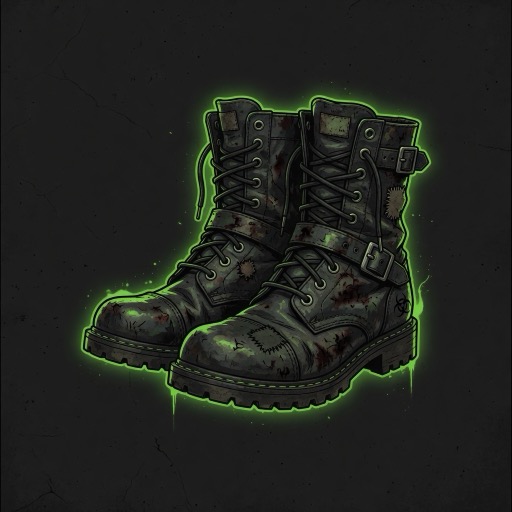 Combat Boots
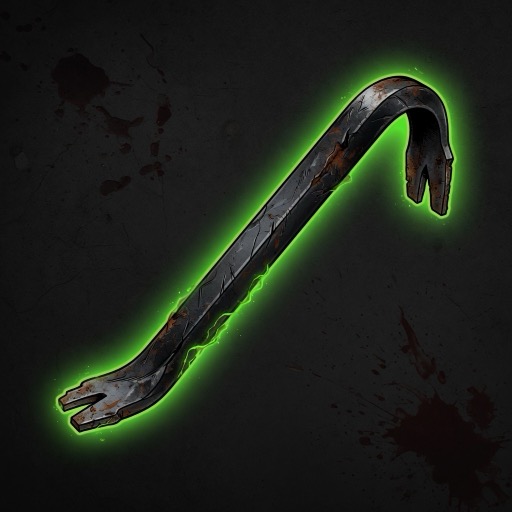 Crowbar
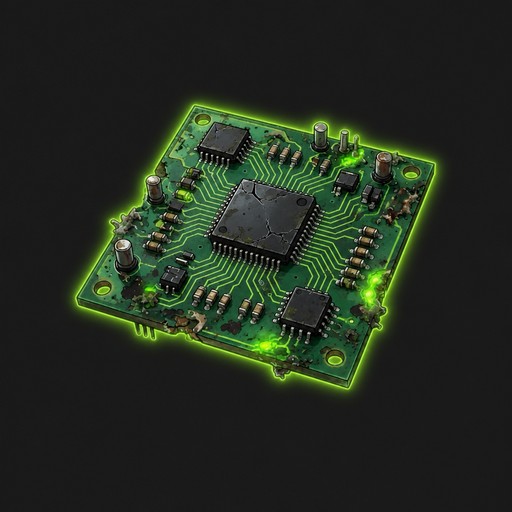 Electronic Component
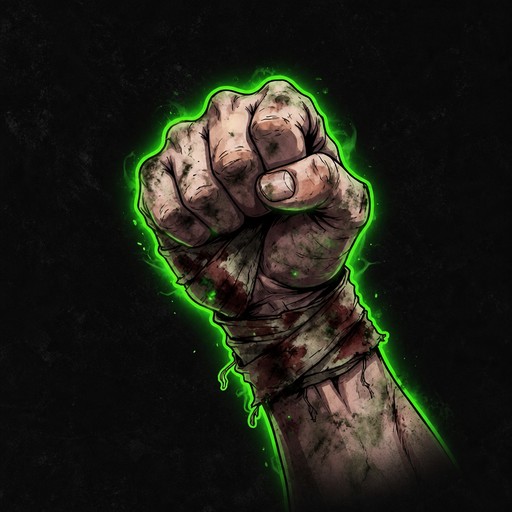 Fist
Fist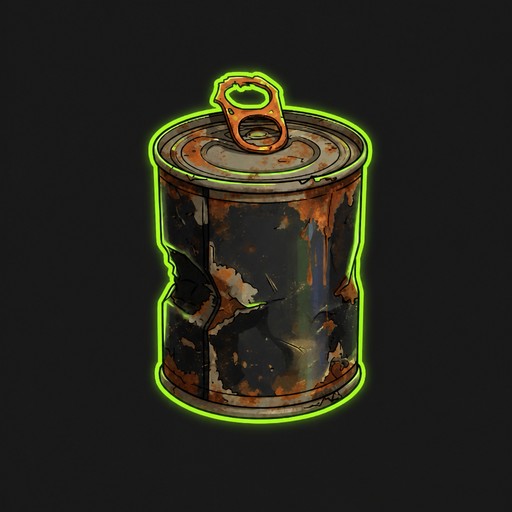 Canned Food
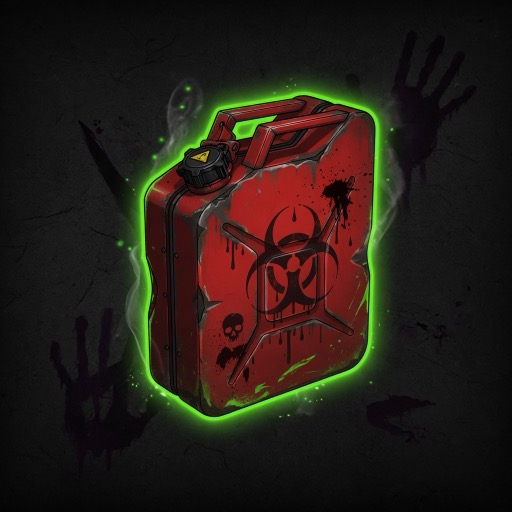 Fuel Canister
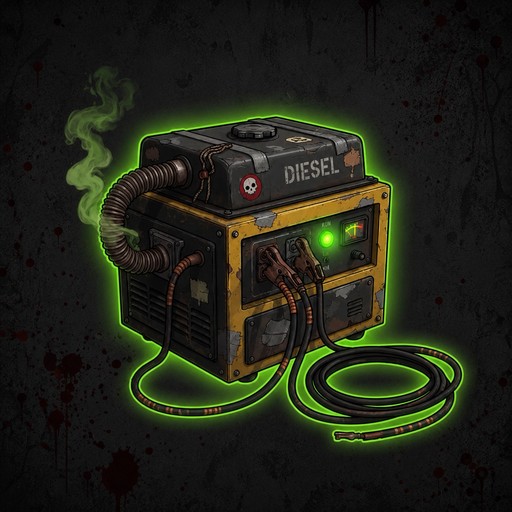 Generator
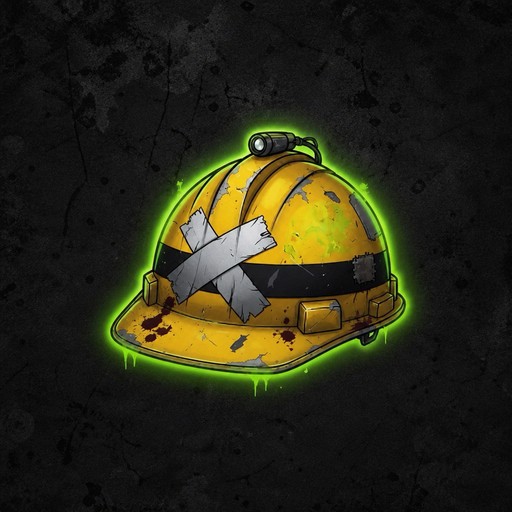 Hard Hat
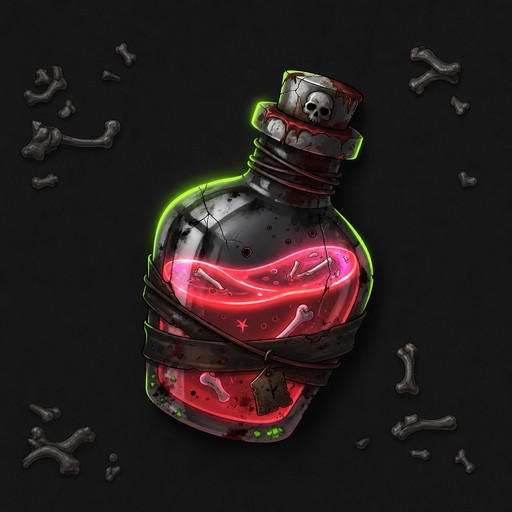 HP Potion
 Infection Buffer Potion
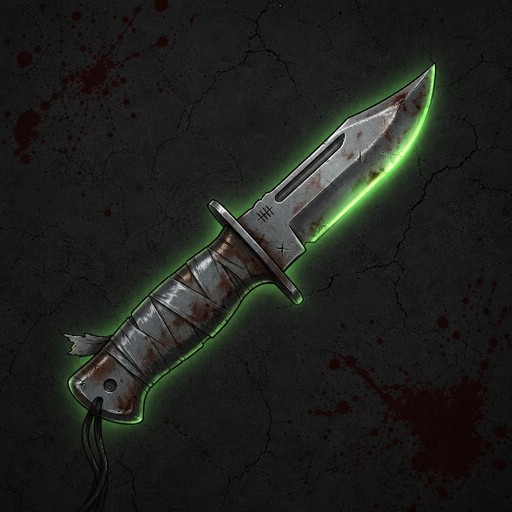 Hunting Knife
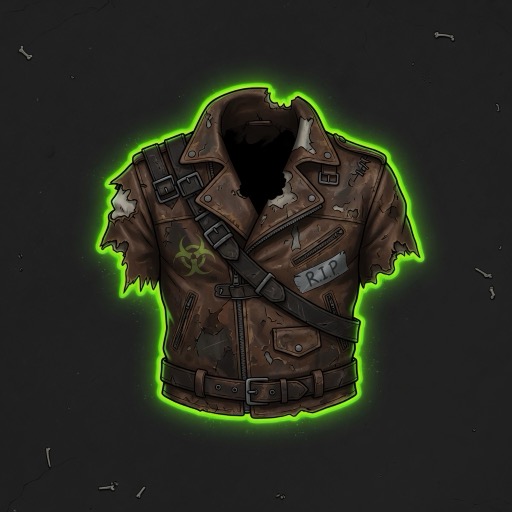 Leather Jacket
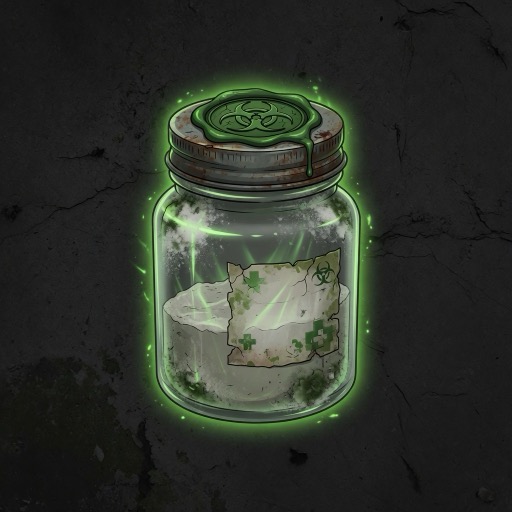 Medicine Base
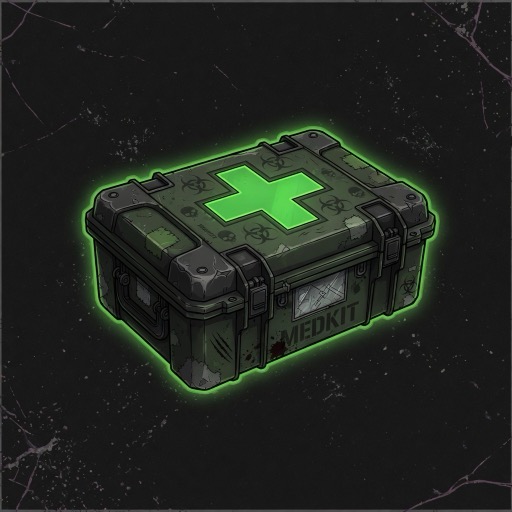 Medical Kit
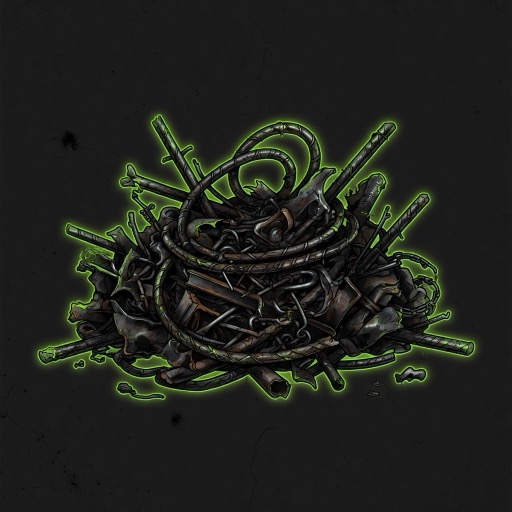 Metal Scrap
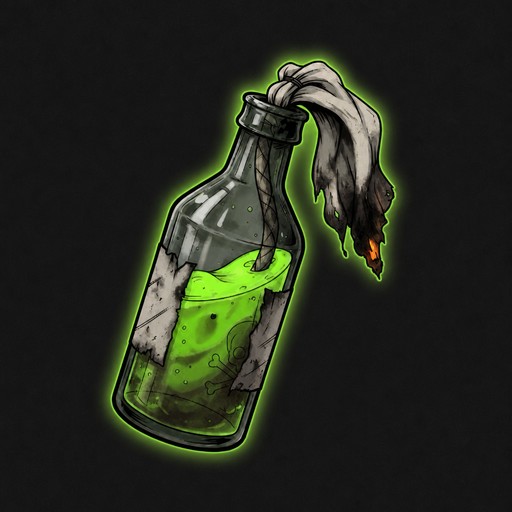 Molotov Cocktail
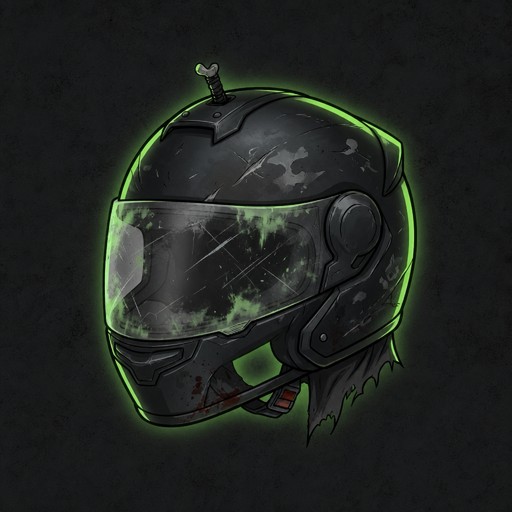 Motorcycle Helmet
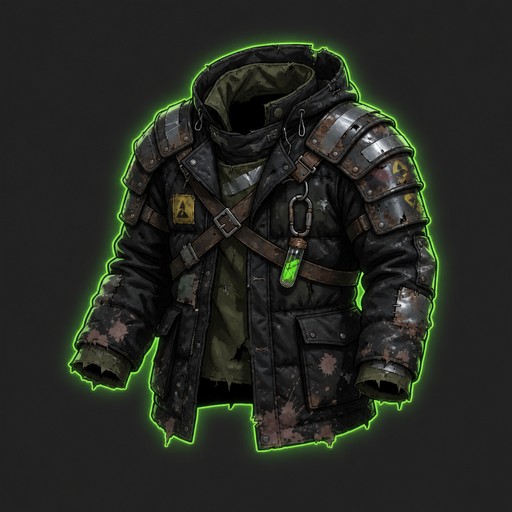 Padded Jacket
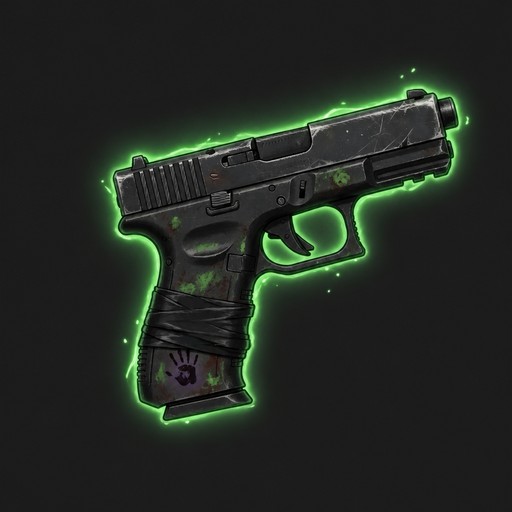 9mm Automatic Pistol
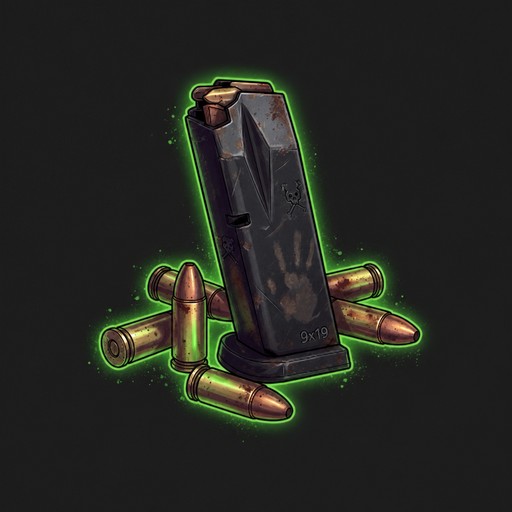 9mm Pistol Ammo
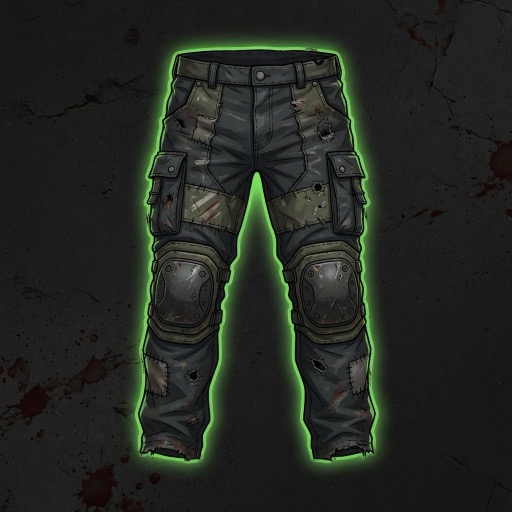 Reinforced Pants
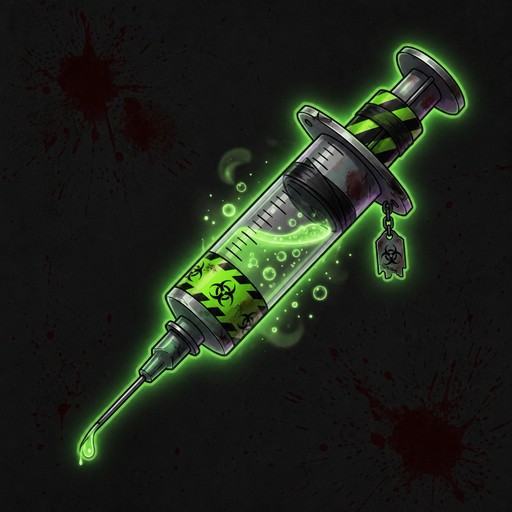 Reversal Injection
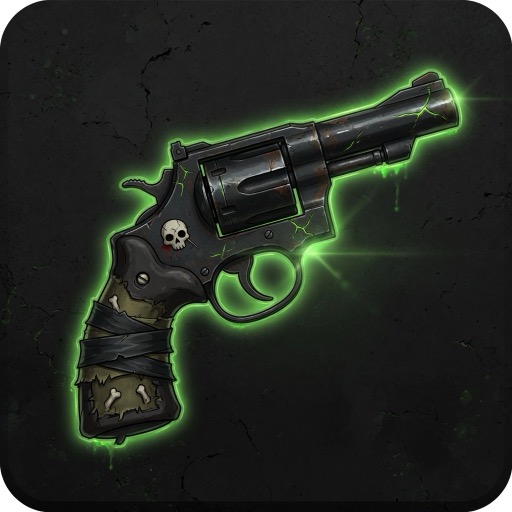 Revolver
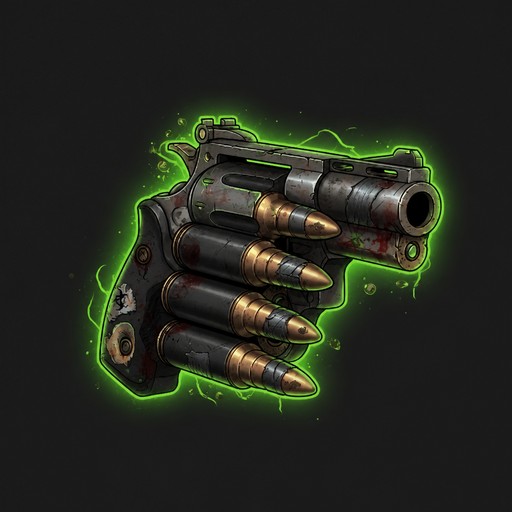 Revolver Ammo
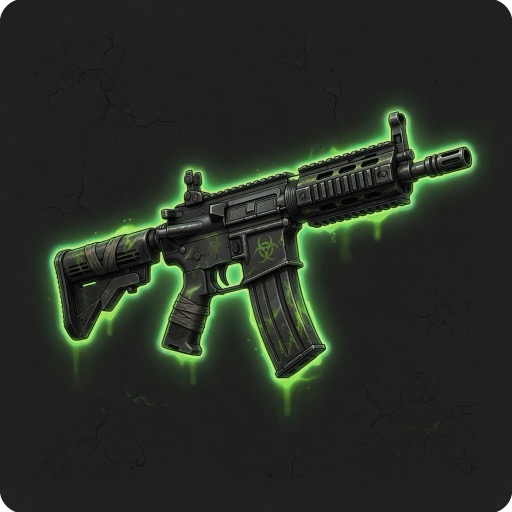 Rifle
Rifle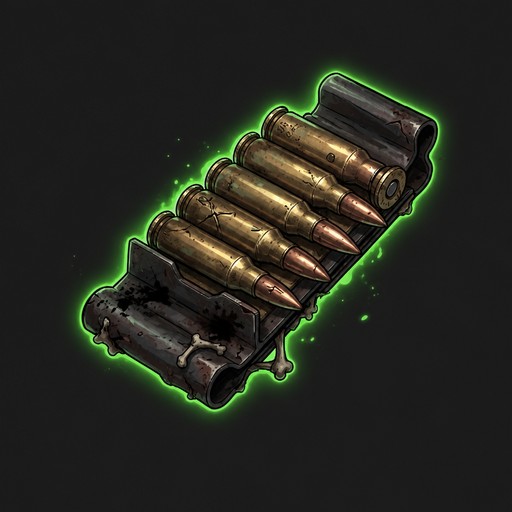 Rifle Ammo
 Riot Helmet
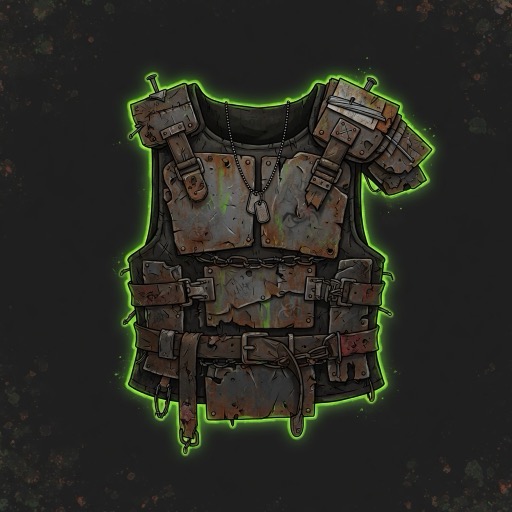 Scrap Vest
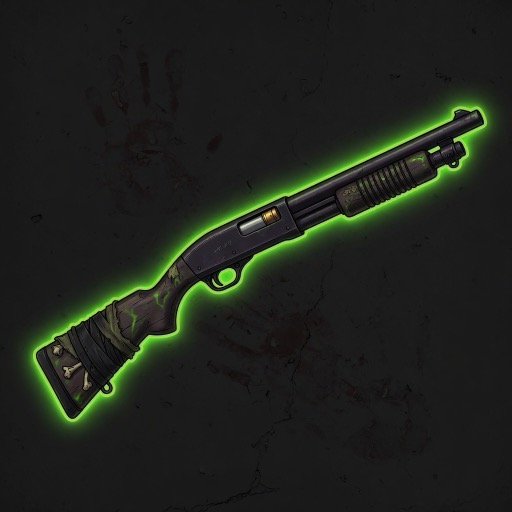 Shotgun
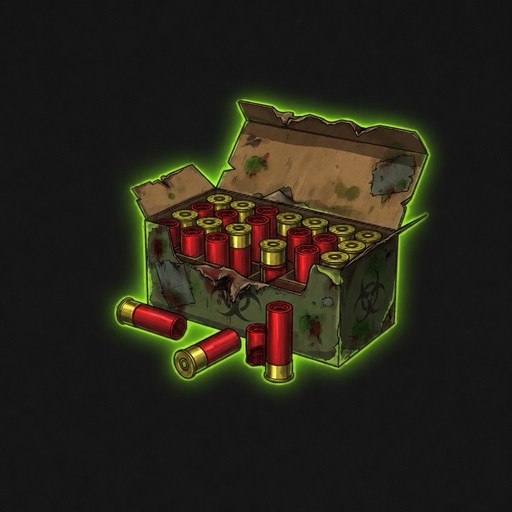 Shotgun Shells
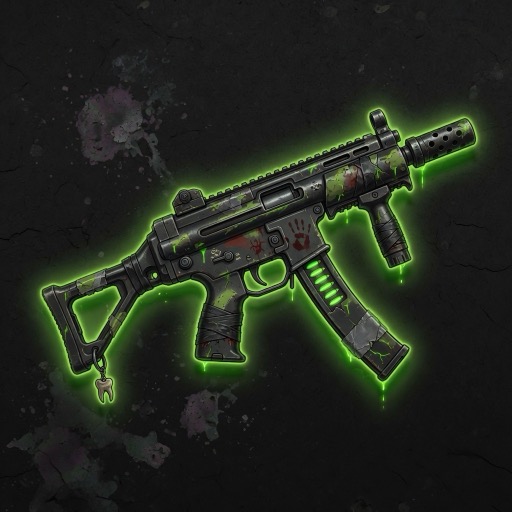 Burst SMG
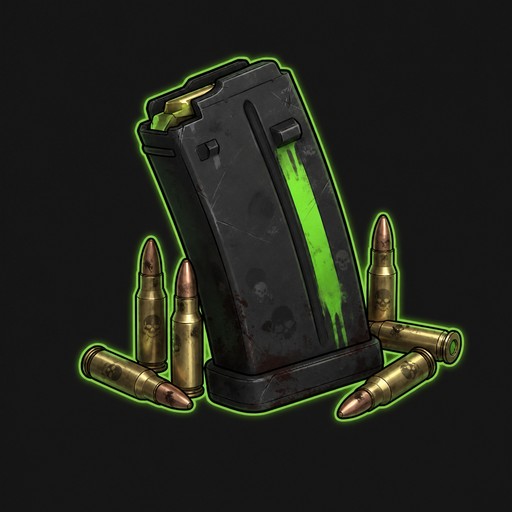 SMG Ammo
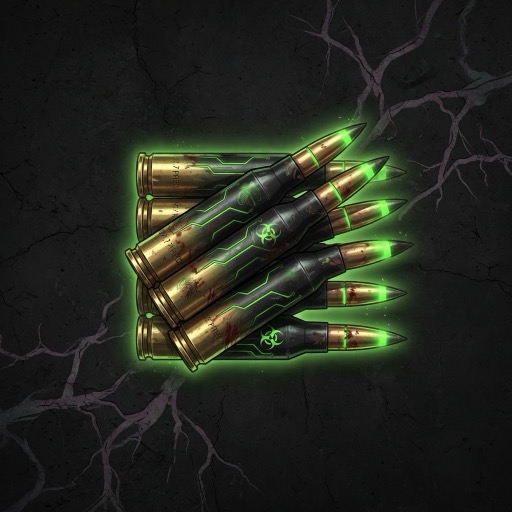 Sniper Ammo
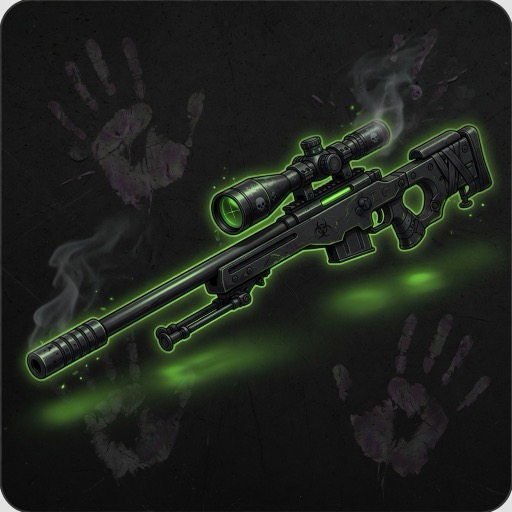 Sniper Rifle
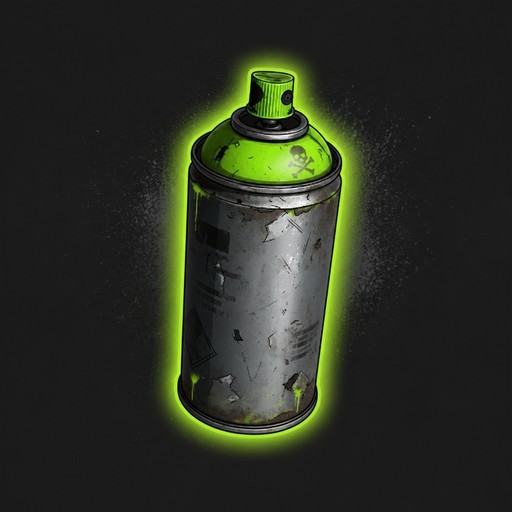 Spray Paint
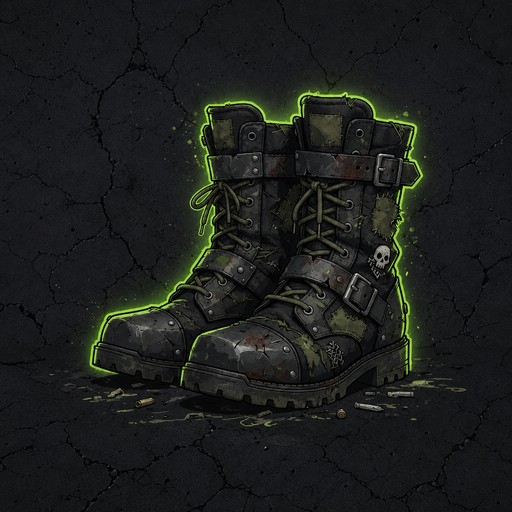 Tactical Boots
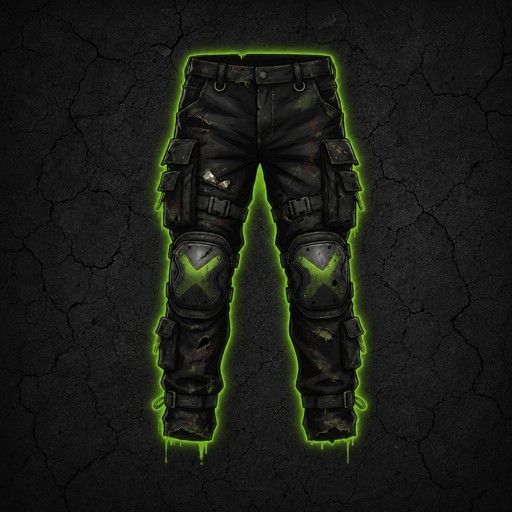 Tactical Pants
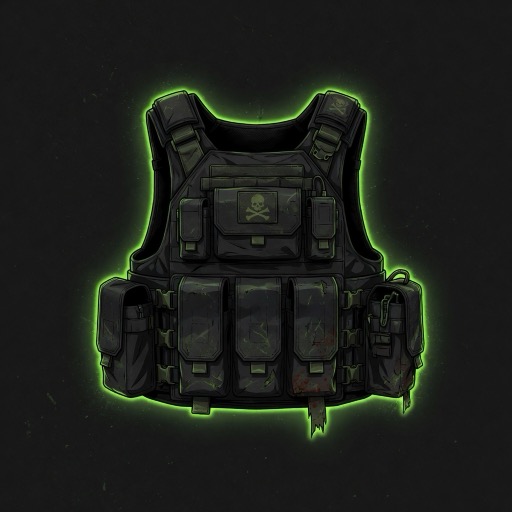 Tactical Vest
 Vaccine
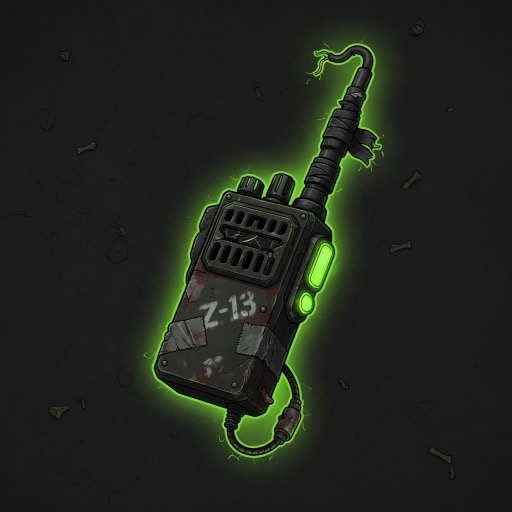 Walkie-Talkie
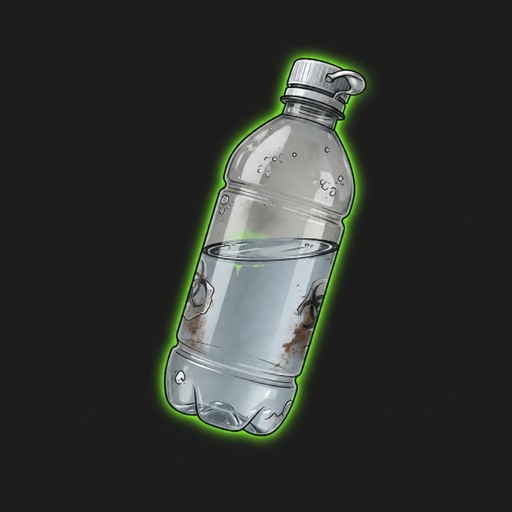 Water Bottle
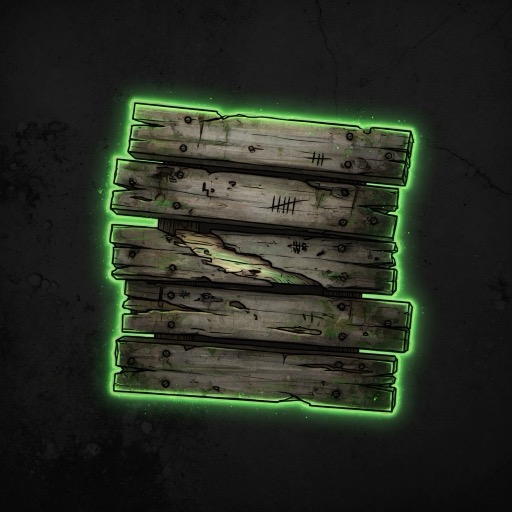 Wood Plank
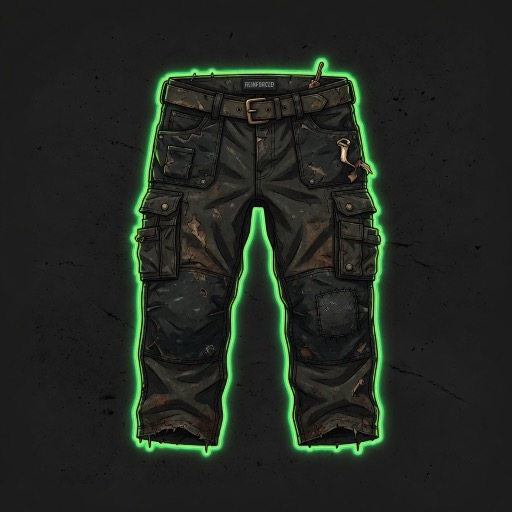 Work Pants
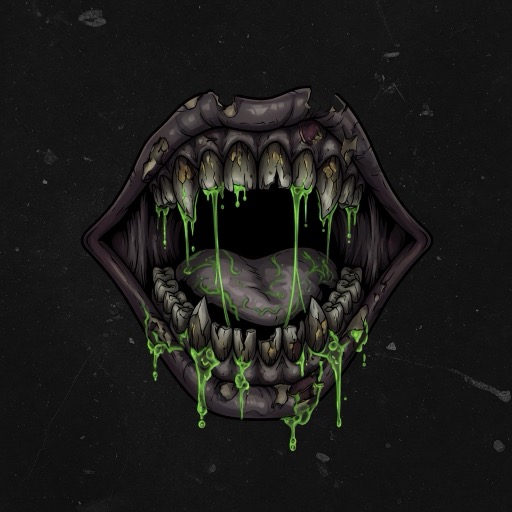 Bite
Bite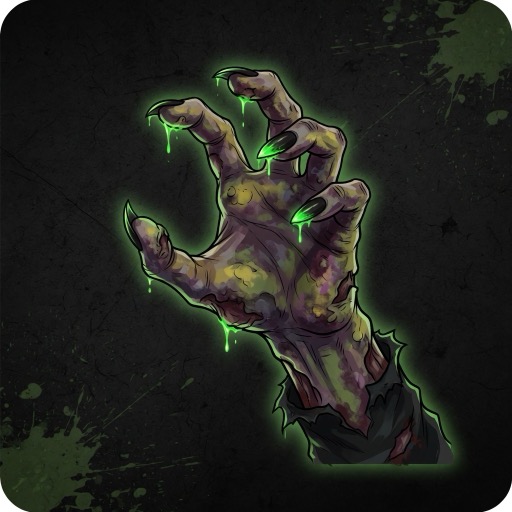 Claws
Claws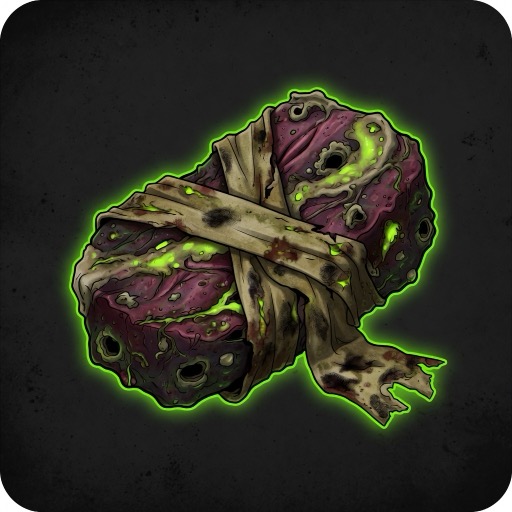 Zombie Meat
 Slam
SlamPaid shop — AP Potion packs
Purchases are optional convenience (burst AP). There is no subscription and no membership perks. Free play still has AP regen, tutorial potions, and weekly-board rewards.
Current paid packs (USD list price via Creem):
| Item | Value | Notes |
|---|---|---|
| Trial Pack | 5 potions · USD 1.00 | About one day of max drink uses (5 / 24h) |
| Weekend Pack | 15 potions · USD 2.49 | Roughly three full drink days |
| Supply Crate | 40 potions · USD 5.99 | Heavier week of burst play |
| Bulk Crate | 100 potions · USD 12.99 | Longer stockpile; mild volume discount |
What an AP Potion does:
- Restores up to +50 AP (fills to max if the gap is smaller; no overflow).
- Costs 0 AP to drink; usable at 0 AP.
- Max 5 uses per character per rolling 24 hours.
- Queued consume resolves on the next world tick (not instant).
Profile → Game Shop (no character required to buy). After Creem checkout succeeds, potions credit account stock; allocate them to a character bag from Profile before drinking. Tutorial / weekly-board free potions still go straight to character bags. See Terms of Service §5 for refunds and disputes.
Prices may change; the shop UI and checkout page win at purchase time. Creem is the Merchant of Record for card payments.