Undead Patch Notes — Tactical UI, Building Art & Outposts
Tactical UI, building art, outpost controls, downed healing, and reliability fixes — now live on production.
Coverage: 22–24 July 2026
Status: Live on production
This update is more than a visual pass. The tactical map, character status, action queue, outpost management, building art, profession portraits, and item icons now form one coherent operator surface. We also fixed downed healing, door lock entry/exit symmetry, and several state-resolution edge cases.
Live game: https://undead.punkcan.art/game
1. Tactical UI reworked
The main game screen now behaves like a continuous tactical console.
The top status strip shows:
- Avatar, name, faction, profession, and level
- HP, infection risk, AP, and carry weight
- Next HP / AP recovery times
- World Tick countdown
- Current action queue and the next action to resolve
The action panel on the right of the map shows only actions that are actually legal for your position, target tile, building state, and inventory. Submitting an action spends AP immediately; results still resolve on the next World Tick. Each character processes one action per tick; the rest stay queued.

Centralized workspace navigation
Core features share one workspace shell:
- Ops: map, target-tile intel, and tactical actions
- Map notes: locations and exploration clues
- Gear: equipment, backpack, durability, and ground loot
- Character: attributes, skills, and growth
- Alliance: members, permissions, and shared warehouse
- Outpost: building status, doors, facilities, and occupants
- Comms: walkie, alliance broadcast, and other messages
Gear, character, alliance, and outpost no longer crush the map; they open as dedicated workspaces, then return to Ops when you are done.

2. Buildings get real art
Map buildings are no longer generic icons. Residences, pharmacies, convenience stores, gas stations, churches, hospitals, police stations, broadcast stations, warehouses, prisons, and player outposts now have matching art.
Some buildings change by floor:
- Hospitals up to 4 floors
- Police stations up to 3 floors
- Residences, pharmacies, convenience stores, gas stations, and churches have floor variants
- Warehouses and prisons use 2×2 footprint tiles that assemble into one building
- Player-built outposts use a dedicated look
| Hospital | Prison | Broadcast |
|---|---|---|
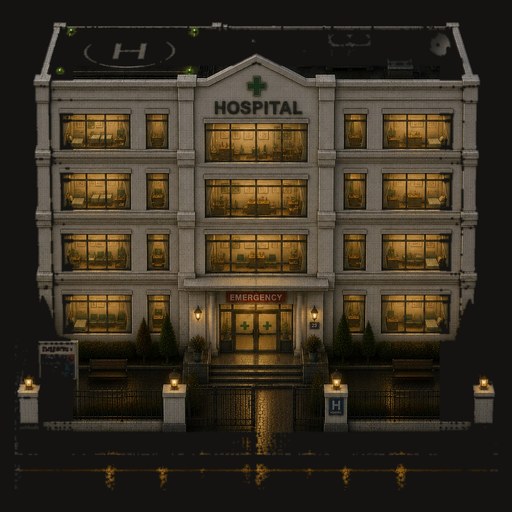 | 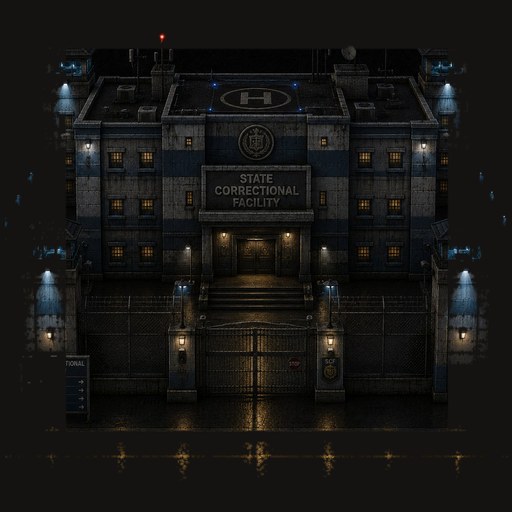 | 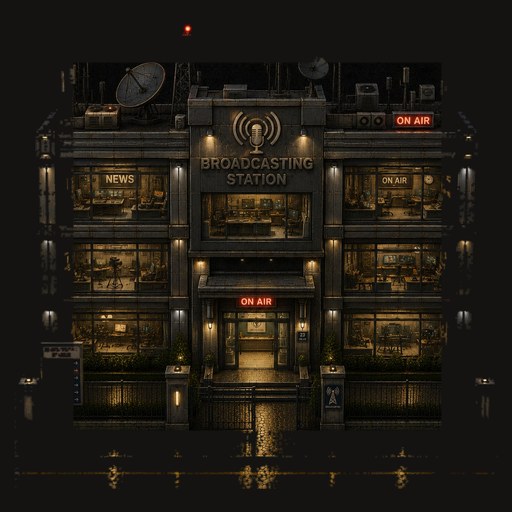 |
| Warehouse | Outpost | Police |
|---|---|---|
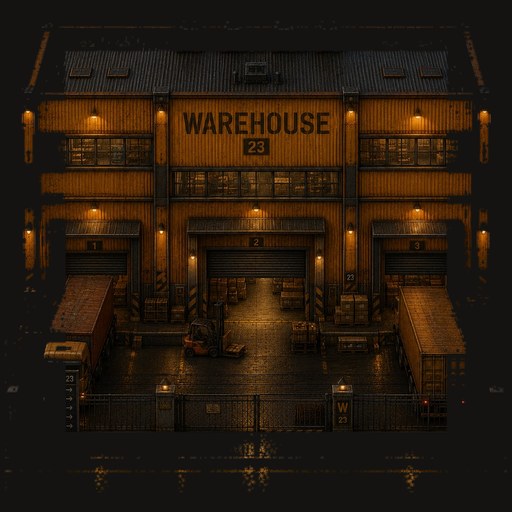 | 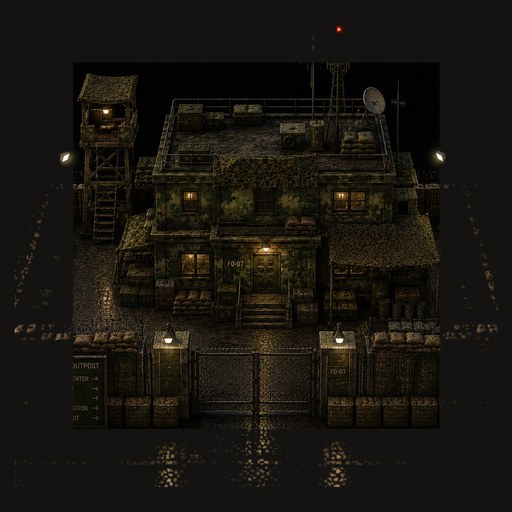 | 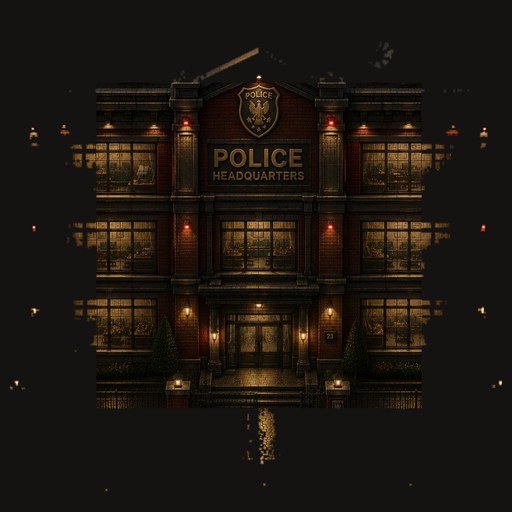 |
These assets appear on the tactical map as well as in reference views. Multi-tile buildings use the correct slice per footprint tile so scale is easier to read.
3. Outpost controls live inside Outpost Status
The separate “control ops” tab is gone. Building info and actions now sit in Outpost Status, so you do not hunt across panels.
Depending on permissions and position, Outpost Status shows:
- Outpost name and controlling alliance
- Integrity, power, and broadcast state
- Door open / closed / locked / unlocked
- Floors and occupants
- Repair, power, broadcast, and warehouse actions
- Rename and door management for alliance outposts
Leaders can lock from outside
Managers standing on a building footprint—even while still outdoors—can lock / unlock and open / close from Outpost Status.
Repair, power, broadcast, and warehouse still require being inside.
Door rules are symmetric: a locked door blocks entry and exit; a closed unlocked door blocks zombies, while humans may open it per the usual rules.
4. Characters, avatars, and item icons
All eight professions now have formal portraits (card + full-body):
- Medic
- Militia
- Mechanic
- Scavenger
- Chemist
- Preacher
- Smuggler
- Wanderer
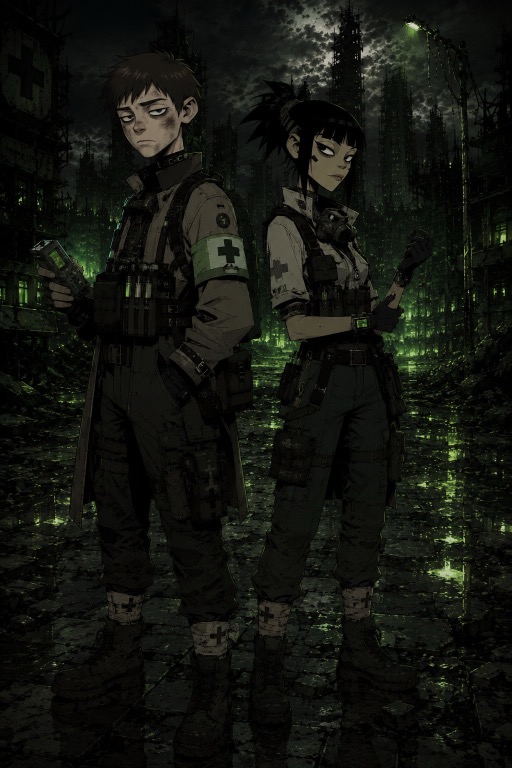
You can pick an account avatar on the profile page, and a per-character avatar from the game HUD. Display priority:
- Character avatar
- Account avatar
- Profession default portrait
The gallery has 80+ wasteland avatars with gender and face-mask filters.
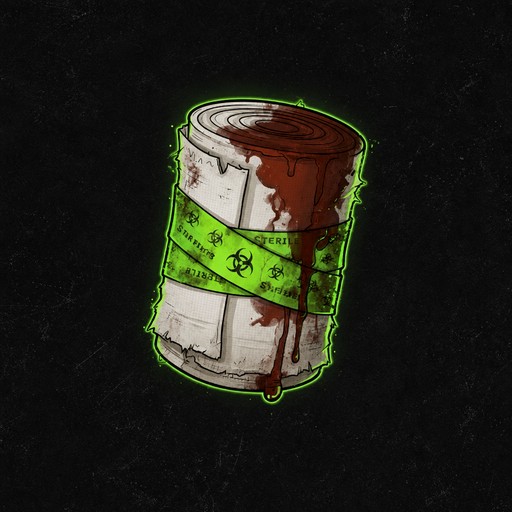
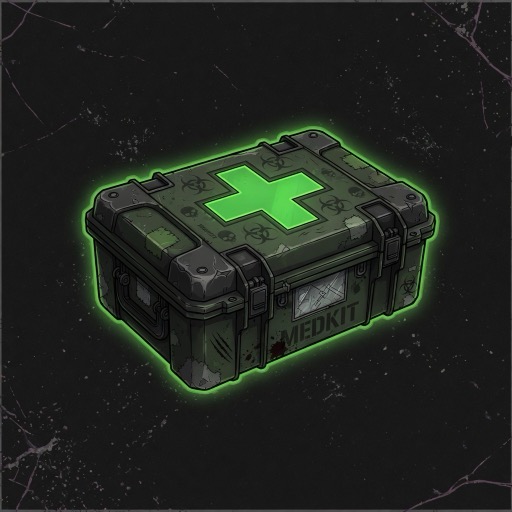
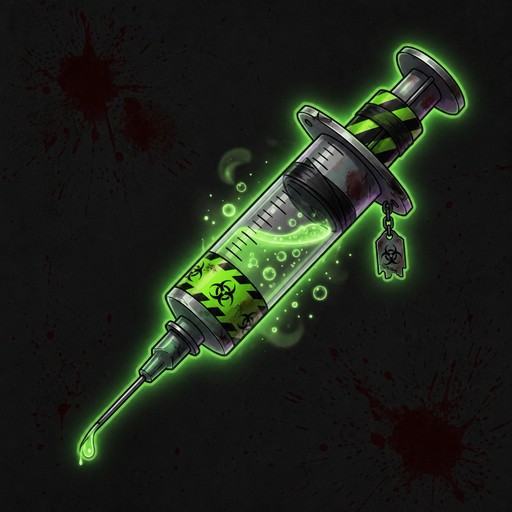
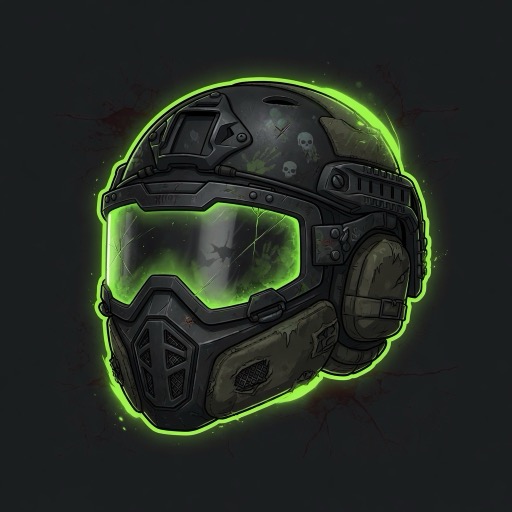
Backpack, equipment, ground loot, and warehouses now show item icons for weapons, ammo, medical gear, armor, materials, food, and tools.
| Bandage | Medkit | Reversal injection | Riot helmet |
|---|---|---|---|
 |  |  |  |
5. Downed healing actually stands characters up
Healing a downed character could restore HP without restoring an actionable state. That is fixed.
When bandage or medkit treatment succeeds on a downed target:
- HP is restored and the character becomes actionable again
- Infection below 100 →
human - Infection at 100 →
infected - Treatment does not clear infection
- If the downed deadline already expired into death resolution, treatment does not consume medical items
- Failed actions refund AP under existing rules
Healing and death resolution now mutually confirm state so a character cannot be both revived and marked dead in the same window.
6. Clearer new-character and action feedback
- Spawn prefers safer tiles away from hostile control, NPC buildings, and nearby threats
- New characters receive a concrete welcome notification
- The map distinguishes current position, next move, and later queued path
- Adjacent tiles: first tap selects the target; a second tap on the same tile queues move
- Returning from offline shows completed actions, notices, hits, downs, and HP / AP changes
- Auto-counterattack, weapons, and action results follow the active language

7. Profile, Heroes, and Wasteland Chronicle
- Profile: account avatar and account details
- Heroes: troll killers and alliance outpost control standings
- Wasteland Chronicle: weekly table of contents for world stories
- Localized docs: player and AI guides in Traditional Chinese, Simplified Chinese, English, and Japanese
Chronicle: https://undead.punkcan.art/chronicle Heroes: https://undead.punkcan.art/heroes
8. Quiet reliability fixes
- Downed, death, revival, and reversal timers resolve at most once
- Building control only counts characters still eligible to contest
- Building activity uses completed actions only—not failed or cancelled ones
- The 72-hour activity window uses actual completion time
- Deploy smoke strictly checks homepage,
/game, and admin auth - Production deploys create a temporary character, send a real explore action, wait for World Tick completion, then clean up
This production deploy passed full Web, Worker, PostgreSQL, Redis / BullMQ, and live action-resolution checks.
Suggested things to try again
- Open Ops and watch World Tick plus the action queue.
- Find a multi-floor building and compare map art with floor info.
- Stand on an alliance outpost footprint and open Outpost for door controls.
- Open Gear and inspect new item icons.
- Visit Profile and pick account / character avatars.
- Read Heroes and the Chronicle for the world’s longer record.